

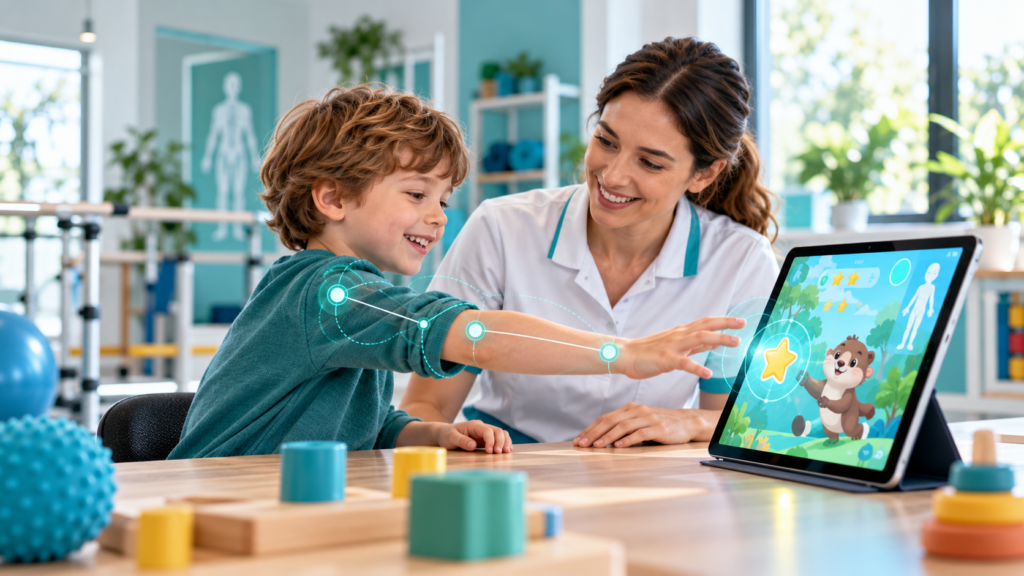
Children with developmental disabilities do not form a single group, and no technology is appropriate for every child. A child with a developmental coordination disorder, an autistic child, a child with cerebral palsy and a child with an intellectual disability may have very different strengths, sensory preferences, communication methods, movement abilities and family priorities. Digital tools can offer engaging ways to practise skills and participate in daily life, but the starting point must be the individual child—not the device.
This guide explains how families, therapists and educators can evaluate digital tools for children with developmental disabilities, what different technologies may contribute, and how to protect safety, autonomy and meaningful participation.
Understanding developmental disabilities and functional needs
Developmental disabilities are diverse conditions associated with differences in development that may affect movement, learning, communication, cognition, behaviour or everyday participation. Diagnostic labels provide clinical context, but they do not explain everything about a child’s abilities or goals. Two children with the same diagnosis may require very different support.
Functional questions can be more productive: Can the child communicate preferences? Join play with peers? Manage parts of dressing or school routines? Access the classroom? Explore a playground? Maintain a comfortable posture? Participate in an activity they enjoy?
The International Classification of Functioning, Disability and Health (ICF) provides a useful framework: consider body functions, activities, participation, environmental factors and the child’s own context together. Technology may reduce an environmental barrier, create additional practice opportunities or help a team observe change. It should not be introduced simply because it appears innovative.
What types of technology can be useful?
Accessible tablets and interactive activities
Touch-based activities, visual schedules, simple puzzles and adapted interactive games may support engagement, choice-making, attention, sequencing or motor practice. A tablet can also be a communication or accessibility tool. Screen responsiveness, touch targets, contrast, sound control, language and input alternatives should match the child.
Augmentative and alternative communication (AAC)
AAC includes low-tech communication boards, symbols, gestures, speech-generating devices and apps. Its purpose is communication and participation—not merely practising vocabulary on a screen. Access methods, modelling, vocabulary, individual preferences and involvement of speech-language professionals are central. AAC does not need to wait until a child “earns” communication through another skill.
Motion tracking and active games
Camera tracking, controllers and sensors may turn movement into game interaction and provide selected measurements such as repetition count, task accuracy or movement timing. These estimates depend on the hardware, software and environment; they should not automatically be treated as validated clinical measures. A therapist needs to check whether movements are performed safely, whether compensations occur and whether practice transfers into daily activities.
Virtual, augmented and mixed reality
Immersive and semi-immersive environments can offer adjustable scenarios for reaching, navigation, sequencing, spatial exploration or simulated daily-life tasks. Fully immersive VR is not suitable for every age or child. Headset fit, manufacturer age guidance, cybersickness, vision, balance, sensory sensitivity, communication and supervision all require consideration. Projection-based or tablet-based experiences may be preferable in many cases.
Artificial intelligence and personalization
AI can help clinicians prepare differentiated educational materials, draft visual stories or organize task variants. It may also be used within tools to adapt difficulty based on performance, provided the system is transparent and clinically supervised. AI-generated content can include factual errors, inappropriate instructions, stereotypes or inaccessible language. It must be reviewed before being used in a child’s care or education.
Assistive technology and environmental adaptations
Sometimes the most effective technology is a switch, an adapted keyboard, alternative seating, an accessible communication system or a simple timer. The objective is not the sophistication of the device; it is whether the child gains access, choice, comfort and participation.
Five child-centred use cases
1. Dressing and morning routines
A child who finds sequencing difficult may use a visual step-by-step schedule with reduced prompts over time. An occupational therapist can help identify whether the barrier relates to motor planning, sensory experience, clothing design or routine complexity. The relevant outcome is greater participation in dressing—not the number of times the child opens the schedule.
2. Communication during play
A child who communicates with limited speech may access preferred choices through AAC while playing with siblings. Adults can model vocabulary and offer genuine opportunities to communicate without demanding repeated responses. A speech-language therapist should guide system selection where necessary.
3. Reaching and hand use
An active game might invite the child to reach, grasp or coordinate both hands. The therapist should adapt distance, speed, postural demands and session length, and observe fatigue or compensatory movements. Transfer can be assessed through real activities such as manipulating toys, opening containers or using school materials.
4. Participation in a classroom
Accessible digital instructions, visual transitions and assistive input devices may reduce barriers to classroom routines. Technology should support inclusion rather than isolate the child in an individual screen-based activity throughout the day. Teachers, family and clinicians can agree on a practical plan.
5. Preparing for a community outing
Photographs, social stories or a simple simulated shopping activity may help a child understand a sequence, express preferences or anticipate an unfamiliar environment. The team should consider that real settings involve sounds, crowds, movement and unpredictability that a simulation cannot fully reproduce.
These examples illustrate possible approaches. They are not standardized treatment protocols or evidence of effectiveness for every diagnosis.
Personalization is more important than gamification
Motivation matters, but animated rewards or points are not enough to make a game therapeutic. A useful activity allows the professional to select a meaningful objective and adapt challenge, feedback, sensory stimulation, speed, position, repetitions and required movement. The child should have ways to pause, express discomfort and choose activities.
Successful personalization can also mean removing features: fewer distractors, lower volume, larger visual targets, shorter activities, simpler instructions or a non-digital alternative. Therapeutic value depends on participation and functional relevance rather than visual complexity.
How to choose a digital tool with a clinical team
- Define the goal: identify a real activity the child wants or needs to participate in.
- Observe the baseline: describe current performance, required assistance and environmental barriers.
- Check access: consider motor control, vision, hearing, attention, language, posture and alternative input.
- Assess safety and suitability: review age guidance, sensory tolerance, medical concerns, fatigue and supervision needs.
- Agree on dose and review: determine an individualized schedule and stopping rules with the relevant professional.
- Measure meaningful change: look for improvements in participation, independence, comfort or communication outside the tool.
- Review the burden: confirm that families and educators can sustain the approach without excessive cost or effort.
Safety, privacy, consent and equity
Children may be particularly sensitive to bright visual effects, loud audio, motion-rich scenes, prolonged sitting or immersive experiences. Watch for discomfort, dizziness, fatigue, pain, agitation or withdrawal, and pause when these occur. Clinical teams should take account of seizure-related precautions and other relevant medical histories where applicable. Do not assume that a commercial gaming product has been clinically validated for a therapeutic purpose.
Data from children’s movement, voice, images or behaviour may be sensitive. Families and providers should understand what information is collected, whether it leaves the device, who can access it, how long it is kept and how consent or deletion requests work. Avoid uploading identifiable child health information to general-purpose AI systems without a suitable legal and clinical framework.
Children should be involved in decisions in a developmentally appropriate way, even when guardians provide legal consent. Accessibility and cost matter too: an expensive headset should never become an informal prerequisite for receiving appropriate support. Consider offline, low-cost and low-tech alternatives.
How do we measure whether technology helps?
Digital metrics such as accuracy, time, movement range, pauses or repetitions can contribute to clinical reasoning. However, changes in these values may reflect familiarity with a specific game rather than improvement in everyday functioning. A meaningful evaluation may combine clinician observation, child and family feedback, and outcomes in home, school or community activities.
Ask: Is the child communicating more effectively? Participating in a preferred activity? Completing additional steps with less help? Managing tasks with greater comfort or confidence? Are improvements maintained and generalised? These are more important questions than whether a leaderboard score increased.
Therapists, teachers and families: complementary roles
Occupational therapists may focus on occupations, participation, environmental adaptation and daily living. Physiotherapists may address movement, mobility and physical function. Speech-language therapists support communication and AAC. Psychomotor therapists, psychologists, educators, physicians and other professionals contribute according to local systems and individual needs. Families provide expertise about the child’s everyday experience, preferences and priorities.
Good interdisciplinary work requires clear responsibilities and a shared plan. Parents should not be expected to make complex clinical decisions or supervise unsafe activities because a digital platform is available.
The role of therapist-centred platforms
Platforms such as Remotion explore interactive rehabilitation across screens, projection and immersive devices, with activities that professionals can adapt to individual objectives. The promise of these technologies lies in flexible, accessible practice and meaningful feedback—not replacing professionals, reducing children to scores or assuming every condition responds similarly.
Related reading: Technology in Pediatrics, Technology in Occupational Therapy, Digital Rehabilitation for Families and Caregivers and How Families Can Support Home Rehabilitation.
Frequently asked questions
Is VR suitable for every child with a developmental disability?
No. Suitability varies with age, sensory needs, medical history, tolerability, headset guidance and clinical goals. Non-immersive options may be more appropriate.
Can a child use digital rehabilitation without a therapist?
Some accessible play or learning activities can be used independently, but therapeutic goals, clinical progression and risk-sensitive decisions should be agreed with qualified professionals.
Do serious games replace occupational or physical therapy?
No. They may complement individualized care, but cannot substitute for professional assessment and functional goal-setting.
Does AI make home exercises automatically personalized and safe?
No. AI output requires professional review and may be wrong or unsuitable for a child’s needs.
What if technology overwhelms the child?
Stop or simplify the activity, respect their response and discuss adaptations with the care team. Participation and comfort take priority over completing the task.
Conclusion
Digital technologies can widen opportunities for communication, movement, learning and participation among children with developmental disabilities. Their success depends on understanding the child, selecting meaningful goals, adapting the environment and maintaining professional oversight. The strongest intervention is not necessarily the most immersive or automated; it is the one that helps the child participate more fully in real life.