

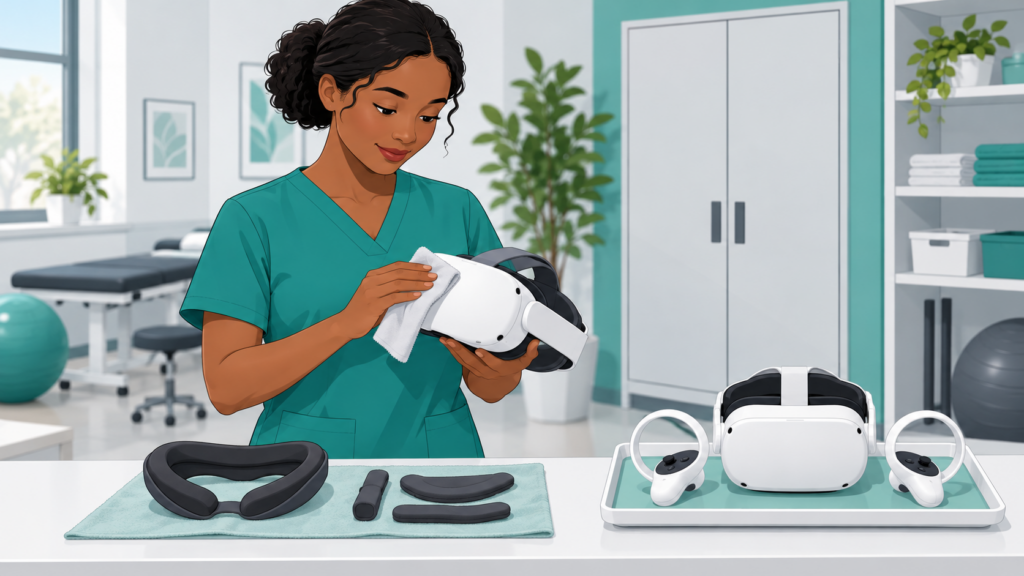
A rehabilitation session does not finish when the headset comes off. The equipment must be prepared for its next user, checked for problems and stored appropriately. These steps need time, compatible methods and clear responsibility.
There is no single cleaning recipe for every headset, facial interface, lens or tracker. Start with the current instructions for the exact equipment, alongside the institution’s infection-prevention procedures. A tidy-looking device is not proof that the required process has been completed.
Identify the components before choosing a method
List the headset shell, lenses, face-contact interface, straps, controllers and any body trackers. Identify which parts are removable, reusable or replaceable. Do not assume that a method suitable for a hard outer surface is suitable for foam, optics or electronics.
PICO’s product-care documentation distinguishes external surfaces from lenses and face-contact components. [1] This distinction is the useful principle here; instructions for one model must not be transferred automatically to another. This article deliberately gives no universal chemical, concentration or contact time.
Agree on a local procedure
The device instructions and the institution’s hygiene requirements need to be compatible. If they conflict or leave a gap, seek advice from the relevant infection-prevention team and supplier before sharing the equipment. Do not improvise an unapproved method.
Specify who handles used equipment, carries out the agreed process and confirms readiness. Keep the route from used equipment to cleaned equipment understandable. Accessories that cannot be processed appropriately may need a different arrangement or removal from use, according to the local decision.
Include checks beyond cleaning
Inspect straps, facial interfaces, controller attachments and accessible surfaces for damage. Check charging arrangements, battery condition and the equipment’s operating state according to the manufacturer. An item with damage or an unresolved fault should not quietly return to the clean-equipment area.
Avoid spraying or immersing electronics unless the manufacturer explicitly allows the relevant method. Protect optics from inappropriate products and handling. Complete the required drying and other readiness steps before use; a rushed turnaround is not a reason to shorten the agreed process.
A practical organisation checklist
This original checklist supports a local procedure; it is not a validated disinfection protocol.
| Stage | Question to resolve |
|---|---|
| Inventory | Which device, component and accessory versions are used? |
| Instructions | Are current component-specific instructions available? |
| Responsibilities | Who processes equipment and confirms readiness? |
| Separation | How are used and ready-to-use items kept distinct? |
| Inspection | What damage or fault requires removal from service? |
| Processing | Is the agreed method compatible with each component? |
| Readiness | Have required drying, checks and reassembly been completed? |
| Storage | Is equipment protected, secure and stored as instructed? |
| Traceability | What completion, fault or replacement information is recorded locally? |
Plan for the workload and exceptions
Include processing time in appointment planning and identify what happens when an accessory is unavailable, a component is damaged or the method cannot be completed. A replacement interface does not automatically remove the need to manage the other touched surfaces.
Record maintenance and replacements without adding unnecessary patient information. Make it easy for staff to report a fault and find out whether an item is ready, awaiting processing or out of service. Charging and storage should also follow the equipment’s instructions rather than an improvised routine.
Review the process when the setup changes
A new strap, shared tablet, controller or ankle tracker can introduce a different material and another handling step. Recheck the procedure when equipment or manufacturer instructions change. Demonstrate the routine to staff and observe practice rather than relying only on a posted sheet.
Reliable equipment care is part of service organisation. It supports preparation for the next session, but it does not replace the institution’s infection-prevention assessment or certify that a particular configuration is suitable for shared clinical use.
Ask the Remotion team for the equipment documentation relevant to your configuration through the website contact page. Confirm cleaning compatibility and local procedures before introducing shared use.
References
- PICO. Safety & Warranty Guide for PICO 4 Series, Product Care. https://p16-pico-business-resources-va.dlpicoxr.com/tos-maliva-i-3a3fnddu0n-us/pdf/Safety_and_Warranty_Guide_for_PICO_4_Series.pdf . Access via https://www.picoxr.com/global/safety-center . Checked 25 October 2026. Device-specific reference; no chemical recipe reproduced or generic clinical disinfection efficacy inferred.